If your personal chat does not appear straight away, try closing and reopening the app.
Welcome
Welcome to GGMA Squawk
Thank you for subscribing to GGMA Squawk — welcome to our professional network of market participants.
Membership Benefits
- Real-time global macro news and proprietary analysis
- Access to member-exclusive discussion forums
- Timely market alerts and notifications
- Comprehensive coverage across all major asset classes
Next Steps
- Download the GGMA Squawk app from the App Store.
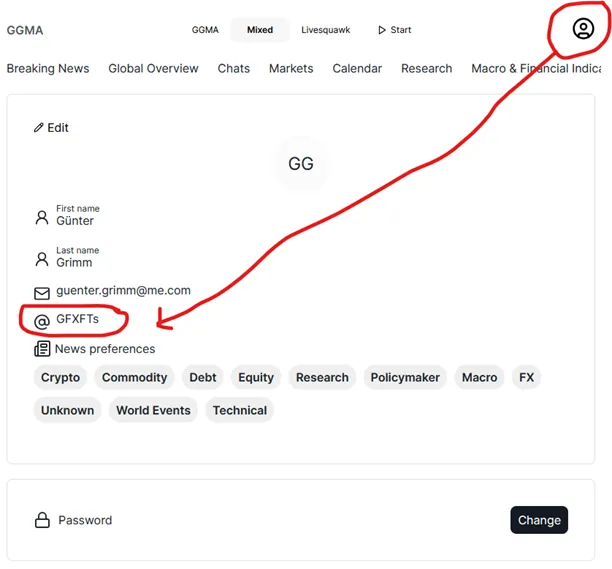
- Configure your news feed preferences in the Profile section — see Your Profile.
- Check the Chats section: a personal chat with the GGMA team is set up for every new member.
Key Features
Live Session
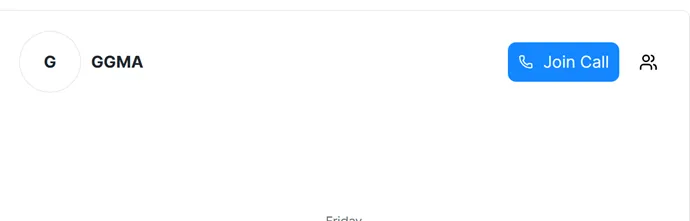
Ping the GGMA team in your chat whenever it suits you, and they will start a live session to properly introduce themselves. You will see a Join Call button pop up — once you click it, the session starts. Learn more in Chats.
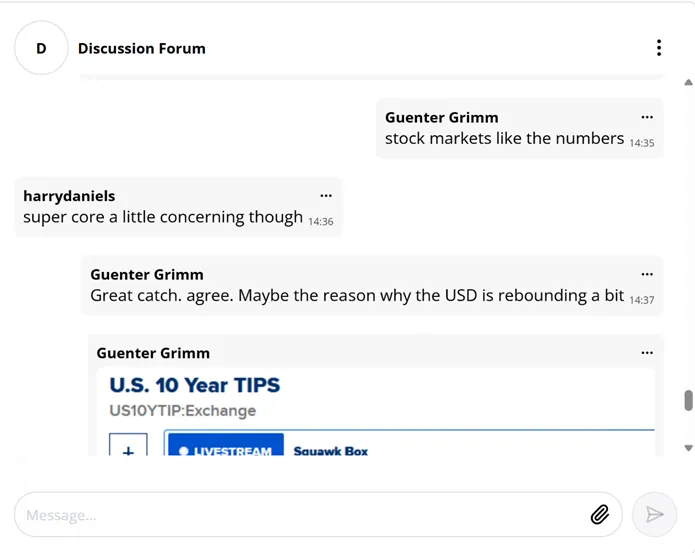
Discussion Forum
Join the members’ forum to discuss markets in real time with other professionals. You should receive an invitation automatically — if you don’t see the chatroom, ask in your chat or by email and you will be invited. See Chats.
Full Web Access
Log in at ggma-app.com for additional features not yet available in the app. See Web App vs. iPhone App for a full comparison.

Using the Squawk
The squawk works even when your phone is locked. When the squawk is live, it should look like this:
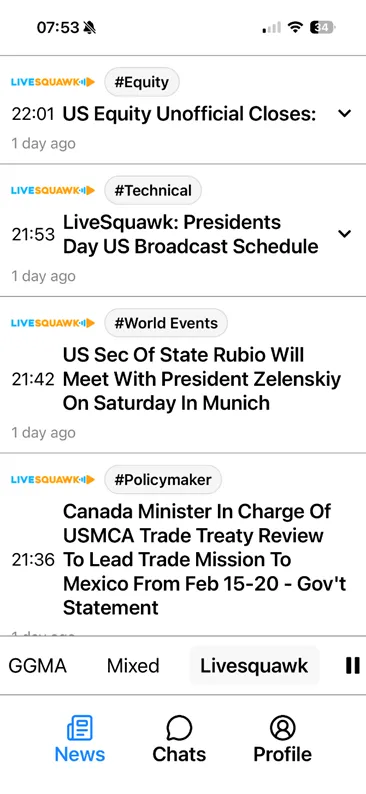
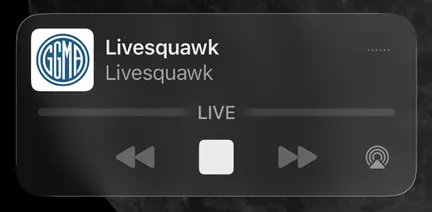
If it looks like this instead, the squawk is not live — tap play to start it:
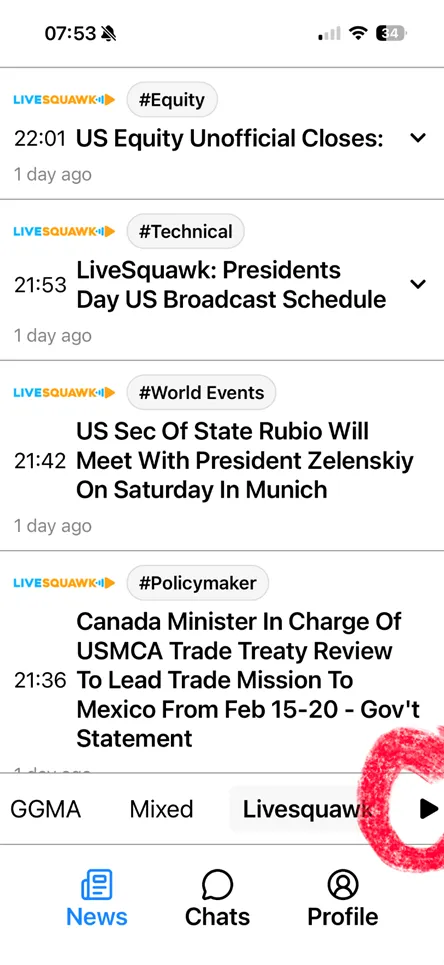
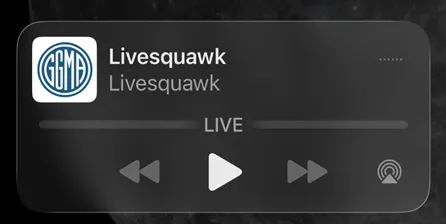
See Live Audio Squawk for details.
Phone calls, music, or videos will interrupt the web streaming service. You will need to restart it manually afterwards.
Set Up Your Profile
You can personalise your experience in the Profile section. If you would prefer not to have your email visible in chats, create a nickname there — see Your Profile.
Android Users
Once the Apple app is fully finished, an Android version is planned. In the meantime, Android users can add the web app directly to their home screen for instant, app-like access:
- Open https://ggma-app.com in Chrome.
- Tap the ⋮ menu (top-right corner).
- Select “Add to Home screen”.
- Tap Add — done!
Questions?
Reply to your welcome email or ping the GGMA team in your personal chat.